How to List Your Business Online for Free (Step-by-Step Guide)
Online business listings are no longer optional—they are essential for survival in the digital marketplace.
Here’s why:
1. Increased Online Visibility
When your business is listed on multiple platforms, you increase your chances of appearing in search results.
2. Better Local SEO Rankings
Search engines rely on business listings (also called citations) to verify your business information. The more consistent your listings, the higher your chances of ranking.
3. Builds Trust & Credibility
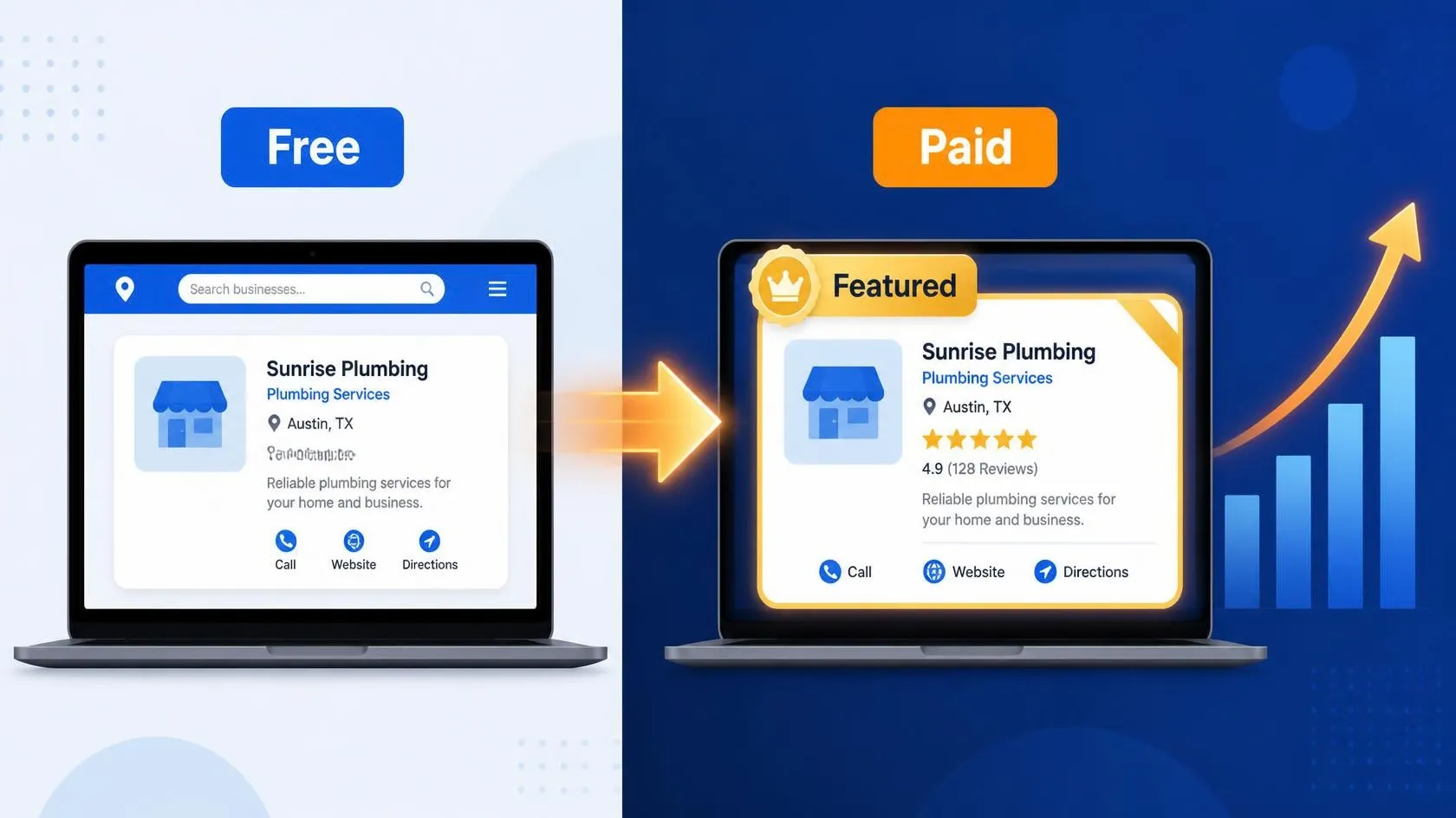
Customers trust businesses that appear on multiple platforms with complete information and reviews.
4. More Leads Without Ads
Free listings can generate inquiries without spending money on paid ads.
What You Need Before Listing Your Business
Before you start, make sure you have the following details ready:
✅ Basic Information (NAP)
- Business Name
- Address
- Phone Number
✅ Additional Details
- Website URL
- Email address
- Business description (150–300 words)
- Services/products list
- Business categories
✅ Media Assets
- Logo
- Business images
- Videos (optional but powerful)
💡 Pro Tip: Ensure your business details are exactly the same across all platforms. This is called NAP consistency, and it’s critical for SEO.
Step-by-Step Process to List Your Business Online for Free
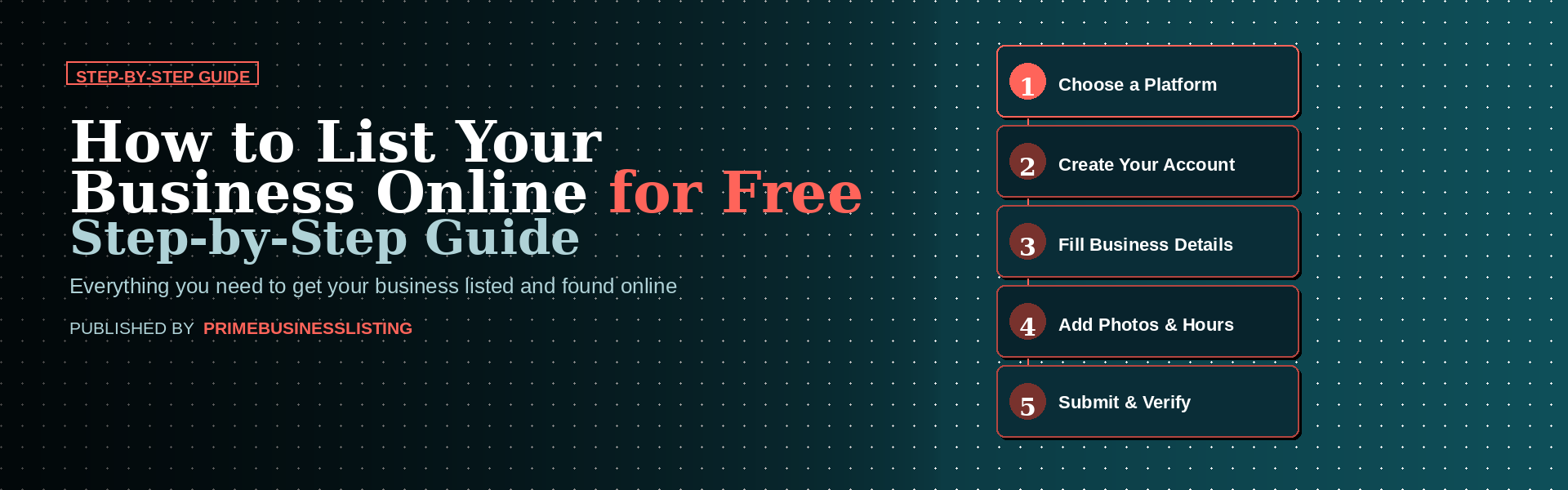
Step 1: Choose the Right Business Listing Platforms
Not all directories are equal. Focus on:
- High-authority platforms
- Industry-specific directories
- Local directories
Start with a reliable platform like Prime Business Listing to build a strong foundation.
Step 2: Create an Account
- Sign up using your email
- Verify your account
- Choose your business category carefully
Step 3: Add Complete Business Details
Fill in every field available:
- Business name
- Address
- Phone number
- Website
- Description
💡 Listings with complete information get more visibility and clicks.
Step 4: Verify Your Business
Most platforms require verification via:
- Phone call
- OTP
Verification increases trust and improves ranking.
Step 5: Optimize Your Listing for SEO
This is where most businesses go wrong.
To optimize:
- Use relevant keywords in your description
- Add high-quality images
- Select correct categories
- Add services and keywords naturally
Common Mistakes to Avoid
Avoid these mistakes if you want results:
❌ Inconsistent Business Information
Different phone numbers or addresses can hurt your rankings.
❌ Keyword Stuffing
Don’t overload your description with keywords—it looks spammy.
❌ Ignoring Reviews
Customer reviews play a huge role in trust and rankings.
❌ Incomplete Profiles
Half-filled listings rarely perform well.
Pro Tips to Rank Higher with Business Listings
Want to get ahead of competitors? Follow these strategies:
🔥 1. Add High-Quality Images
Listings with images get more engagement.
🔥 2. Encourage Customer Reviews
Ask happy customers to leave reviews regularly.
🔥 3. Update Your Listings Frequently
Keep your information fresh and accurate.
🔥 4. Use Local Keywords
Example:
“Transformer Manufacturer in Delhi”
“Servo Stabilizer Supplier in India”
🔥 5. Build Multiple Listings
The more quality listings you have, the stronger your online presence.
Final Thoughts
If you’re not listing your business online, you’re missing out on one of the easiest and most cost-effective ways to generate leads.
The best part?
You can start today—without spending a single rupee.
Take action now:
- Create your listings
- Optimize them properly
- Stay consistent
Over time, this simple strategy can bring steady traffic, better rankings, and more customers.