Top 15 Free Business Listing Sites in India 2026 (High DA List)
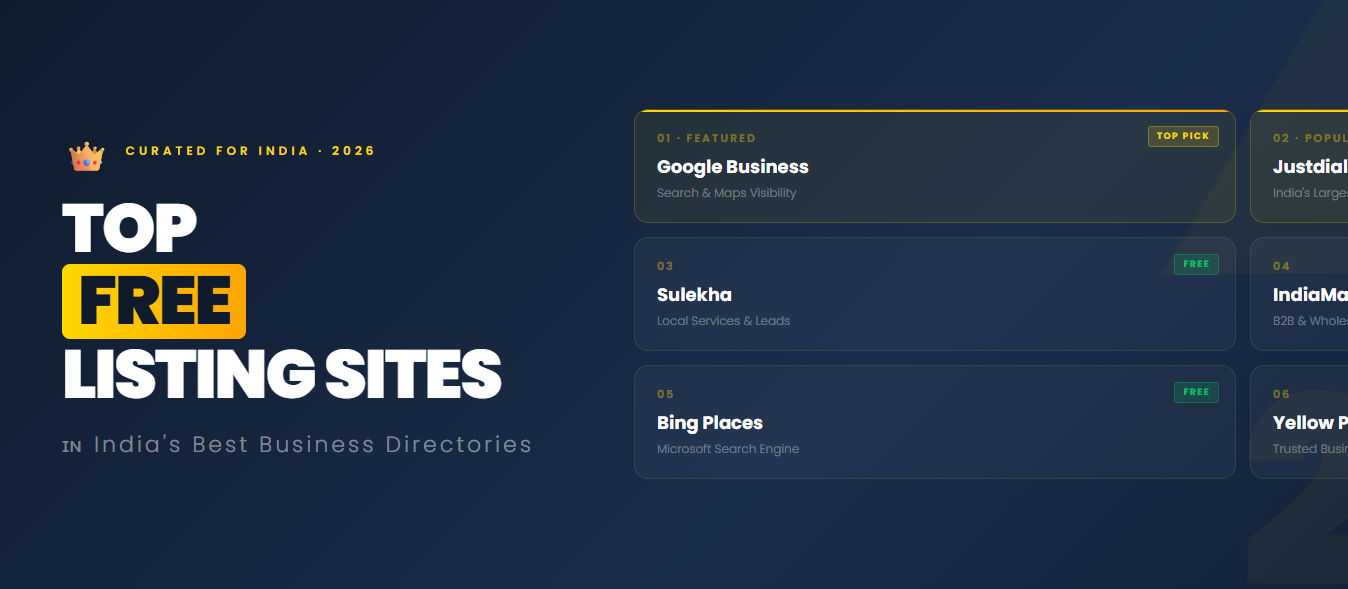
A free business listing in India 2026 means adding your business name, address, phone number (NAP), website and services to online directories at no cost. The best free business listing sites in India are Google Business Profile, Bing Places, Apple Business Connect, Justdial, IndiaMART, Sulekha, TradeIndia, ExportersIndia, Yellow Pages India and Primebusinesslisting.com. Listing on them improves your local SEO, builds citations and backlinks, and brings you free leads.
Most small businesses do not lose customers because of poor service. They lose them because nobody can find them online. This guide gives you a clean list of business listing sites for free, with approximate Domain Authority (DA), what each site is best for, and how to get the most from every listing.
Key Takeaways
- Start with Google Business Profile. It matters more than every other listing combined.
- Pick sites that match your industry. A manufacturer needs IndiaMART and TradeIndia. A local service needs Justdial and Sulekha.
- Use the exact same business name, address and phone number everywhere.
- Quality beats quantity. 20 complete, verified listings beat 200 half-filled ones.
What Are Free Business Listing Sites?
Free business listing sites are online directories where you can create a public profile for your business. Customers use them to search, compare and contact businesses. In SEO, these profiles are also called citations.
A complete listing usually includes:
- Business name
- Address and service area
- Phone number and email
- Website link
- Category and services
- Business description
- Opening hours
- Logo and photos
- Customer reviews
New to this? Read our guide on how to create a free business listing step by step before you start.
Why Free Business Listing Sites Matter in 2026
1. They improve local SEO
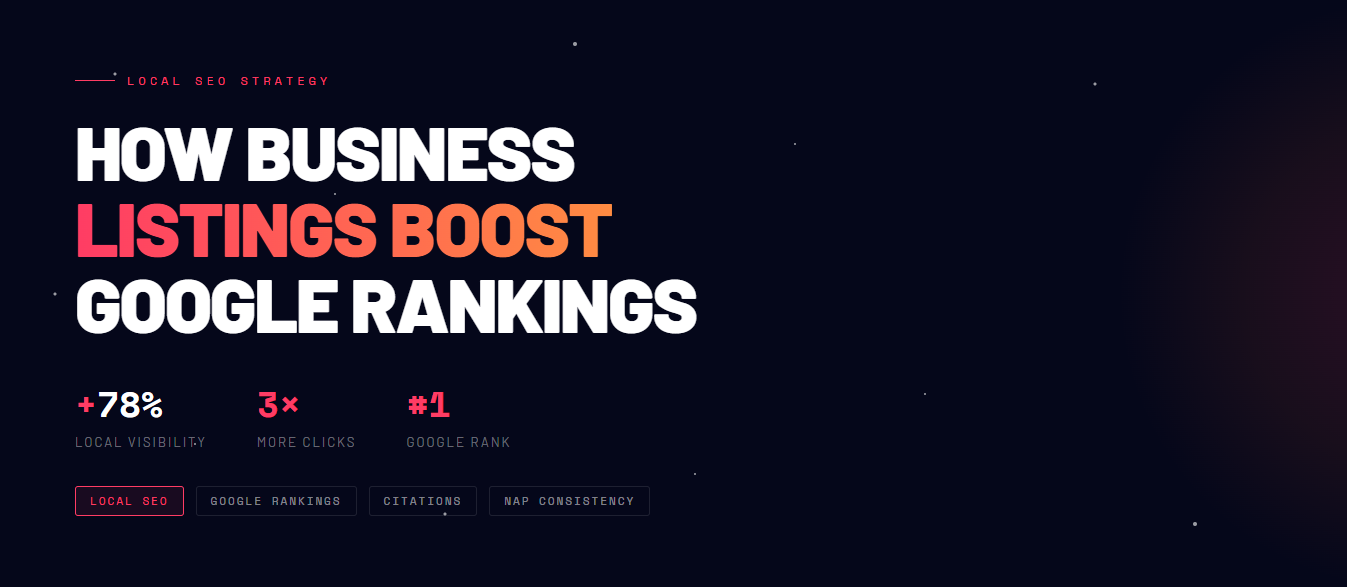
Google compares your business details across many websites. When your name, address and phone number match everywhere, Google trusts your business more. This is the base of local SEO citations.
2. They make you easier to find
Customers search on Google, Google Maps, Justdial, IndiaMART and Sulekha. A listing puts your business in front of people who already want what you sell.
3. They bring free leads
Many directories show your phone number and enquiry button. Buyers can call you directly, without visiting your website first.
4. They build trust
A business that appears on many trusted platforms, with reviews and photos, looks more real than one that appears nowhere.
5. They help AI search and voice search find you
AI answers and voice assistants pull business details from the web. Consistent listings give them clear, correct data to use.
| # | Listing Site | Approx. DA | Best For | Website |
| 1 | Google Business Profile | 93 | Every local business. Shows you on Google Search and Maps. | business.google.com |
| 2 | Bing Places | 51 | Showing on Bing search and Bing Maps. | bingplaces.com |
| 3 | Apple Business Connect | 99 | iPhone users searching on Apple Maps. | businessconnect.apple.com |
| 4 | Facebook Business Page | 96 | Social proof, reviews and customer messages. | facebook.com |
| 5 | LinkedIn Company Page | 99 | B2B businesses, manufacturers and service firms. | linkedin.com |
| 6 | Justdial | 62 | India’s top local search app. Best for local services and shops. | justdial.com |
| 7 | IndiaMART | 70 | B2B suppliers, manufacturers and wholesalers. | indiamart.com |
| 8 | Sulekha | 76 | Home services, professionals and local service providers. | sulekha.com |
| 9 | TradeIndia | 78 | Manufacturers, exporters and industrial suppliers. | tradeindia.com |
| 10 | ExportersIndia | 55+ | Exporters, importers and B2B trade leads. | exportersindia.com |
| 11 | PrimeBusinessListing.com | New, growing | Small businesses and manufacturers wanting a free, simple listing. | primebusinesslisting.com |
| 12 | Yellow Pages India | 50+ | A classic directory for general business citations. | yellowpages.com |
| 13 | Hotfrog India | 50+ | Small businesses wanting an easy extra citation. | hotfrog.in |
| 14 | Foursquare | 90+ | Location data used by many apps and maps. | foursquare.com |
| 15 | Yelp | 90+ | Reviews and a strong global citation. India traffic is limited. | yelp.com |
Note: DA is a Moz score and changes often. The figures above are approximate. Check the current DA and spam score in Moz Link Explorer before you rely on any site. Some platforms may also add paid plans or change their rules, so always read the listing terms.
Where should you start?
- Local service business: Google Business Profile, Justdial, Sulekha, Bing Places.
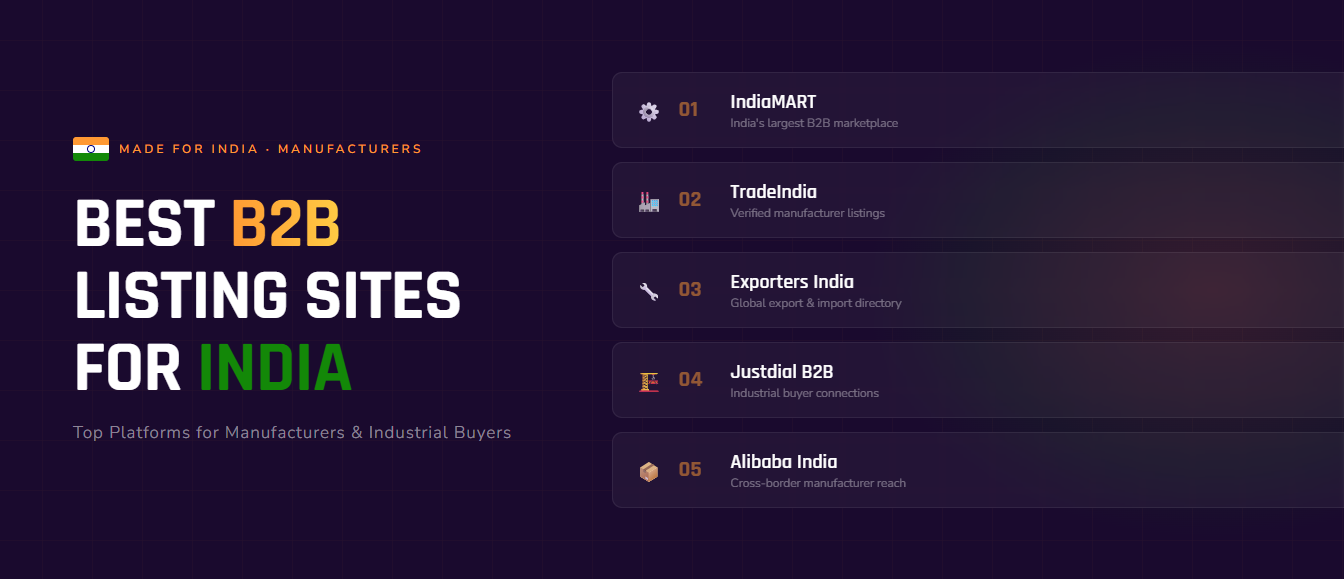
- Manufacturer or exporter: IndiaMART, TradeIndia, ExportersIndia, LinkedIn. See our guide to business listing sites for manufacturers and B2B companies.
- New small business: Google Business Profile, Facebook, PrimeBusinessListing.com, Hotfrog.
How to Choose the Right Business Listing Sites
Do not list on every site you find. Check these five things first:
- Relevance: Does the site suit your industry and location?
- Real traffic: Do real customers use it, or is it only for backlinks?
- Authority and spam score: Prefer higher DA and a low spam score. Avoid sites that look spammy or are full of unrelated ads.
- Free listing: The basic profile should be free, with no hidden steps.
- Verification: Good directories verify by email, OTP or phone. That keeps spam out.
Tip: do not chase DA alone. A site with real visitors is worth more than a high-DA site nobody uses.
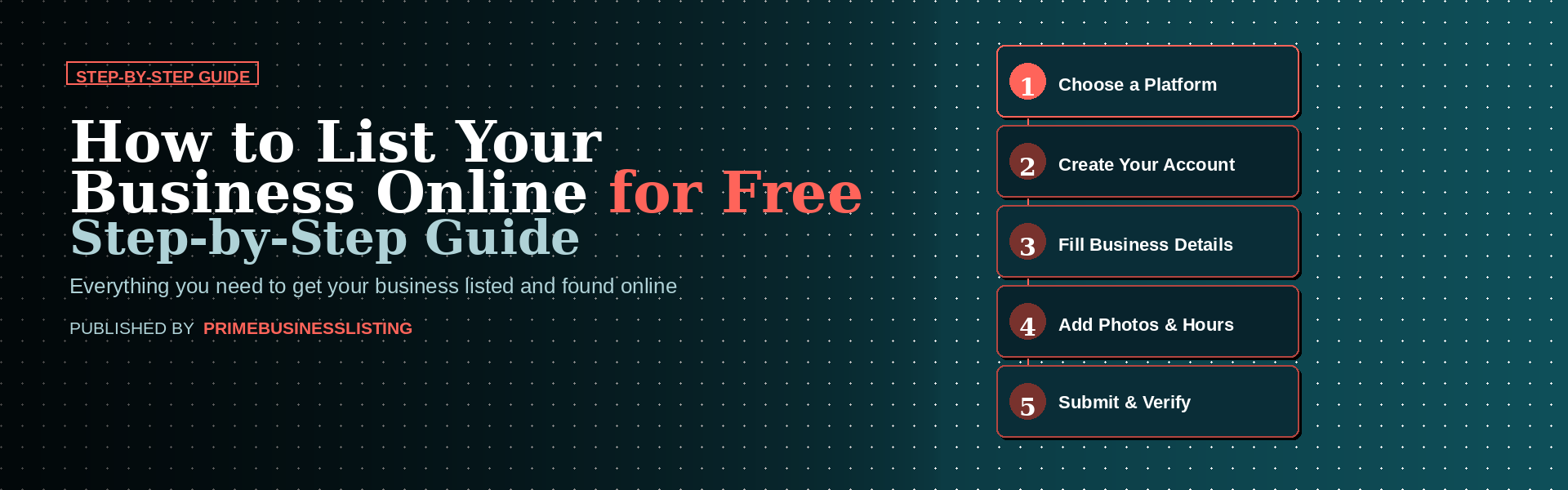
How to List Your Business for Free (Step by Step)
- Prepare your details. Save your business name, address, phone, website, description, logo and photos in one document. Copy and paste from it every time.
- Create an account. Sign up with your business email.
- Choose the most specific category. For example, “Tensile Structure Manufacturer” is better than “Construction”.
- Fill every field. Add services, hours, social links and service areas.
- Write a unique description. Use 100 to 150 words. Mention your city and main service. Do not copy the same text to every site.
- Upload quality images. Add your logo, storefront or factory photos and product images.
- Verify the listing. Confirm by OTP, email or phone call. Google may send a postcard or ask for a video check.
- Track it. Keep a sheet with the site name, date, login and live URL.
Business Listing Checklist
| Element | Best Practice |
| Business name | Use your real business name only. Do not add keywords like “Best” or a city name. |
| Address | Use one fixed format on every site, with pin code. |
| Phone number | Use one primary number, in one format, for example +91 98XXXXXXXX. |
| Website | Use one version of your URL (https, with or without www) everywhere. |
| Category | Choose the most specific category available. |
| Description | Write a unique, natural description. No keyword stuffing. |
| Photos | Add a logo, cover image and real photos of your work. |
| Reviews | Ask happy customers for reviews and reply to every one. |
NAP Consistency: The Rule You Cannot Skip
NAP means Name, Address and Phone number. If you write “Sharma Technologies Pvt Ltd” on one site and “Sharma Tech” on another, Google may treat them as two different businesses. That splits your authority and weakens your local ranking.
Pick one format and use it everywhere. Check your top listings every few months. Our guide to NAP consistency for local SEO explains how to audit your listings.
Common Mistakes to Avoid
- Different details on different sites. This is the biggest local SEO mistake.
- Skipping verification. Unverified listings get far less visibility.
- Adding keywords to the business name. This can get your Google listing suspended.
- Using spammy directories. Bad links can hurt more than they help.
- Ignoring reviews. Unanswered reviews, good or bad, lose you trust.
- Never updating. Old phone numbers and hours send customers away.
Pro Tips to Get More Leads from Your Listings
- Add at least 5 to 10 real photos to your Google listing.
- Send customers a direct review link after every job.
- Add your services and products, not just your name.
- Use local keywords naturally, such as your city and area.
- Reply to enquiries quickly. Fast replies win the job.
- Link your website to your listings and your listings back to your website. Read our Google Business Profile optimisation tips for more.
Selling to customers abroad? See our list of free business listing sites for the USA, UK and other countries.
Frequently Asked Questions
What are the best free business listing sites in India?
The best free business listing sites in India are Google Business Profile, Bing Places, Justdial, IndiaMART, Sulekha, TradeIndia and ExportersIndia. Start with Google Business Profile, then add the sites that fit your industry.
How do I list my business for free in India?
Create an account on a listing site, enter your business name, address, phone, website and category, upload photos, and verify by OTP or email. Repeat with the same details on each site.
How many business listing sites should I use?
Start with 15 to 20 relevant, high-quality sites. Add more over time, but only if they are active and relevant to your business.
Do free business listings help SEO?
Yes. They create citations that confirm your business details, and many also give a backlink. The biggest benefit is local visibility, mainly when your details are consistent everywhere.
Are high DA business listing sites better?
Usually yes, but DA is not everything. Choose sites with real traffic, a low spam score and relevance to your industry.
How long do listings take to work?
Many listings go live within a day or two after verification. Ranking and lead improvements normally take a few weeks, and sometimes longer.
Is PrimeBusinessListing.com free?
Yes. You can add your business to PrimeBusinessListing.com for free.
Conclusion
Free business listing sites are one of the cheapest ways to get found online in India. Start with Google Business Profile, add the platforms that fit your industry, keep your details identical everywhere, and keep your profiles fresh.
Ready to start? Add your business to PrimeBusinessListing.com for free and take your first step towards more online visibility and leads.
Want more guides like this? Browse all our business listing and local SEO blogs.